01
Titles and animated posters
Opening titles and poster-style motion where the words on screen have to be spelled and set correctly.
Put text, images, video and audio into one brief and get a 5–15 second, 24 fps clip rendered at 2K inside the model, with sound generated alongside.
Creative workspace
MiniMax H3 is MiniMax's open multimodal video model, released in July 2026. One model reads text, images, video and audio together and generates up to 15 seconds of native 2K video at 24 fps with stereo sound; MiniMax highlights its accuracy with on-screen text and brand elements.
These are the jobs people actually bring to MiniMax H3, and the settings each one needs.
Opening titles and poster-style motion where the words on screen have to be spelled and set correctly.
Ads, product websites and UI walkthroughs that must keep logos, packaging and interface details accurate.
Combine a character image, a camera move from a clip and a vocal track so the character performs to that audio.
MiniMax H3
The clips below are MiniMax's published H3 examples, cut to ten seconds. MiniMax built H3 as one general model instead of separate tools for text-to-video, image-to-video, references and editing.
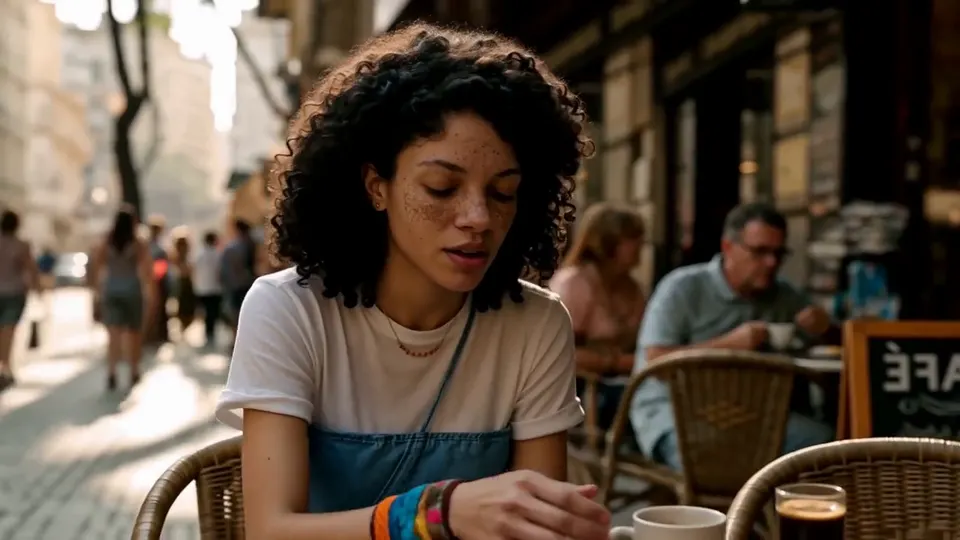 Official example · MiniMax
01
Describe the relationship in words, such as the camera move from Video 1, the singer from Image 2 and the vocals from Audio 3, and H3 works out the rest.
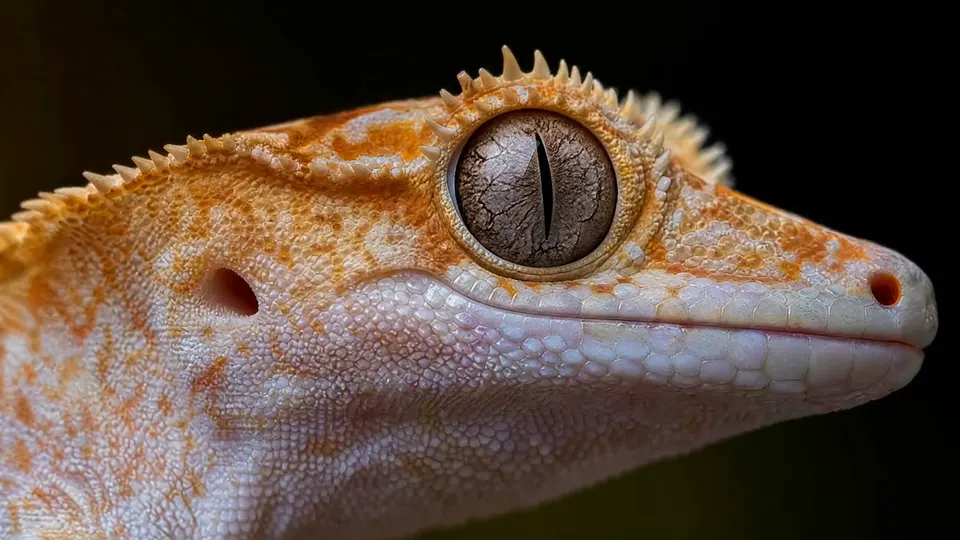 Official example · MiniMax
02
Detail is rendered at 2K inside the model rather than upscaled afterwards, which shows in textures like skin, scales and fabric.
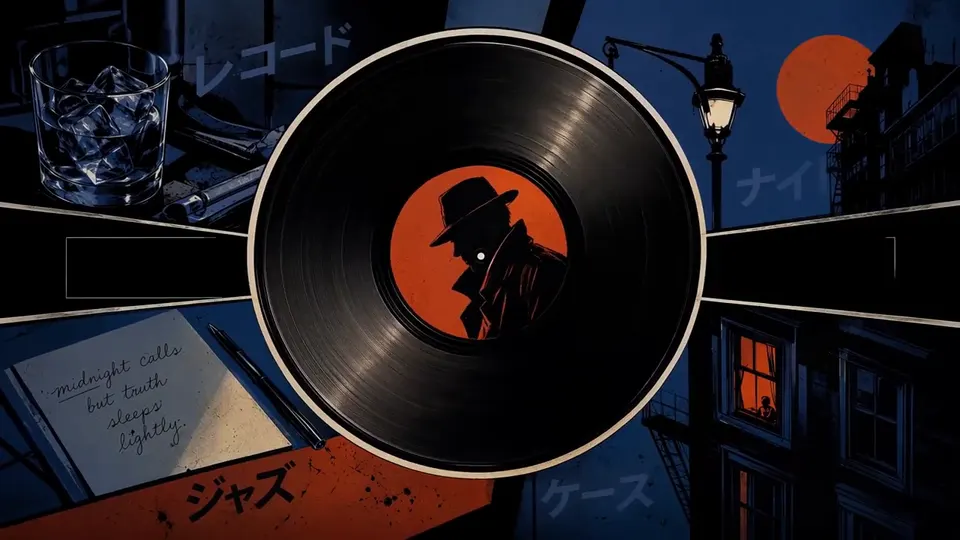 Official example · MiniMax
03
Titles, labels and brand names come out spelled correctly and laid out as asked, which makes opening credits and posters practical.
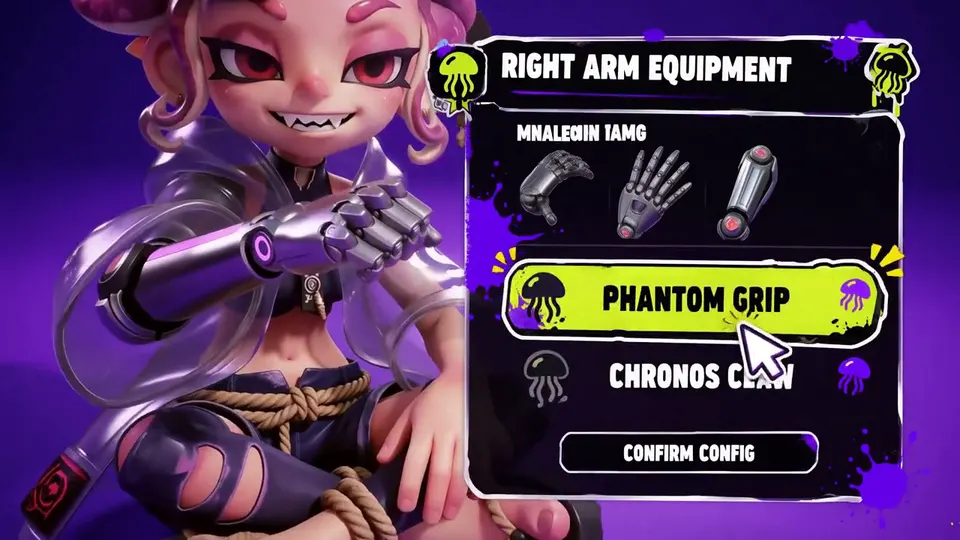 Official example · MiniMax
04
Interfaces, packaging and product details hold up in motion, which is what MiniMax targets for ads, e-commerce, product design and games.
MiniMax H3
Where MiniMax H3 is the right call, and where a different model does the job better.
Compared with H3 Max
The open base model; H3 Max is post-trained for stronger prompt adherence
Compared with Seedance 2.0
Fixed native 2K and a text-and-brand focus, versus a 480P–4K ladder
Best decision signal
On-screen text, logos or product detail must be right in 2K
Add the images, clips and audio the shot should use, such as a character, a camera move or a vocal track.
Say in plain words how each upload relates to the result, and quote any on-screen text exactly as it should appear.
Pick 5, 10 or 15 seconds. Output is 2K at 24 fps, and the finished clip appears in Studio.
Set up the brief now, then continue in the shared Studio workspace.