01
Complete short stories
Thirty seconds is enough for a setup, a turn and a payoff, generated as one continuous piece instead of stitched clips.
Tell a whole beat of story in one clip: build it from many references, pin moments to timestamps such as 0–5s, and deliver 4–30 seconds at up to 1080P.
Creative workspace
Seedance 2.5 is ByteDance Seed's July 2026 video model. It doubles a single generation to 30 seconds of picture and sound, accepts up to 30 images, 10 videos and 10 audio clips as references, and lets a prompt pin actions and camera moves to exact time ranges.
These are the jobs people actually bring to Seedance 2.5, and the settings each one needs.
Thirty seconds is enough for a setup, a turn and a payoff, generated as one continuous piece instead of stitched clips.
Block a scene with simple 3D shapes, then use the render as the camera and staging reference and an image for the final look.
Keep the performance from a green-screen take and generate new backgrounds, props and supporting characters around it.
Seedance 2.5
These are ByteDance Seed's own Seedance 2.5 examples, cut to ten seconds each. Every one shows something Seedance 2.0 could not do in a single generation.
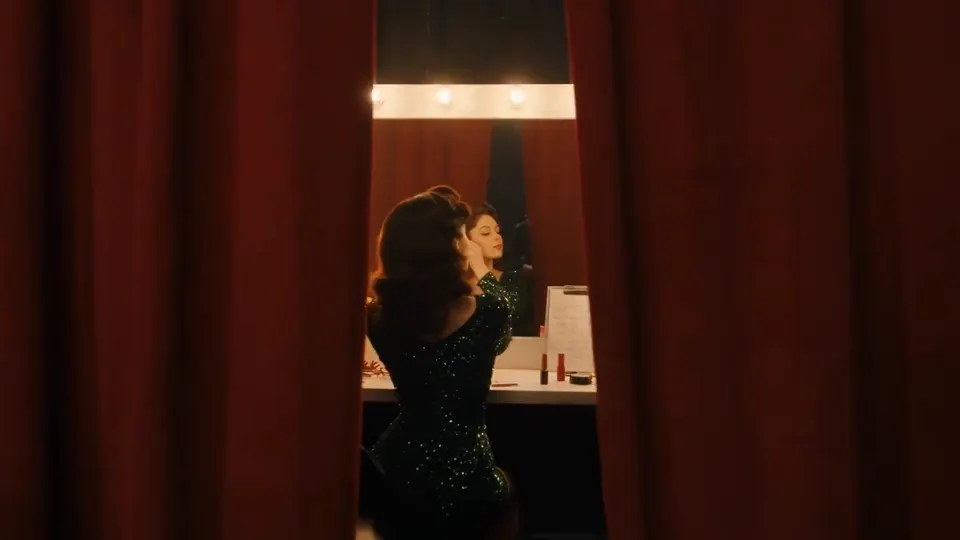 Official example · ByteDance Seed
01
A single tracking shot can run through a whole scene, with subjects, light and sound staying consistent from start to end.
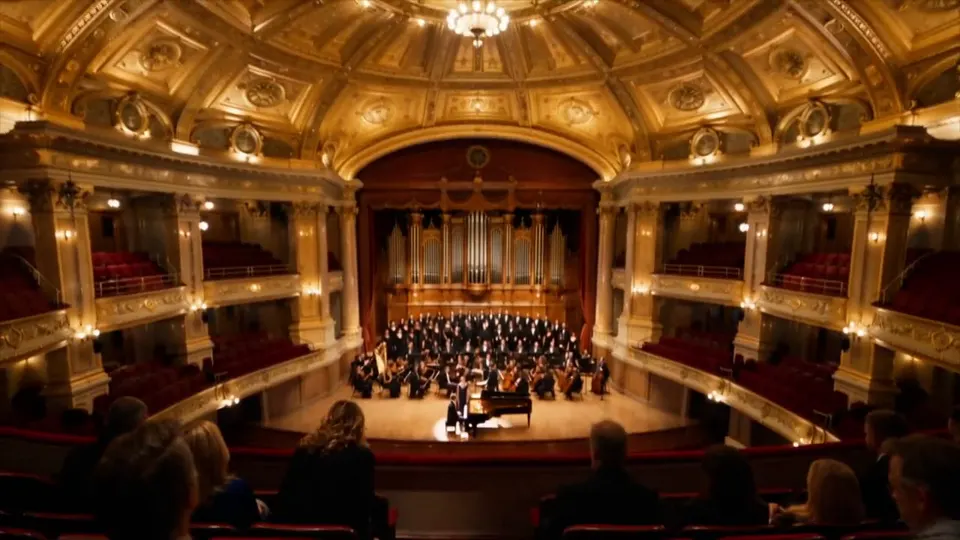 Official example · ByteDance Seed
02
Venue, performers, costumes and instruments can each come from their own image, and a crowded scene still keeps every one of them.
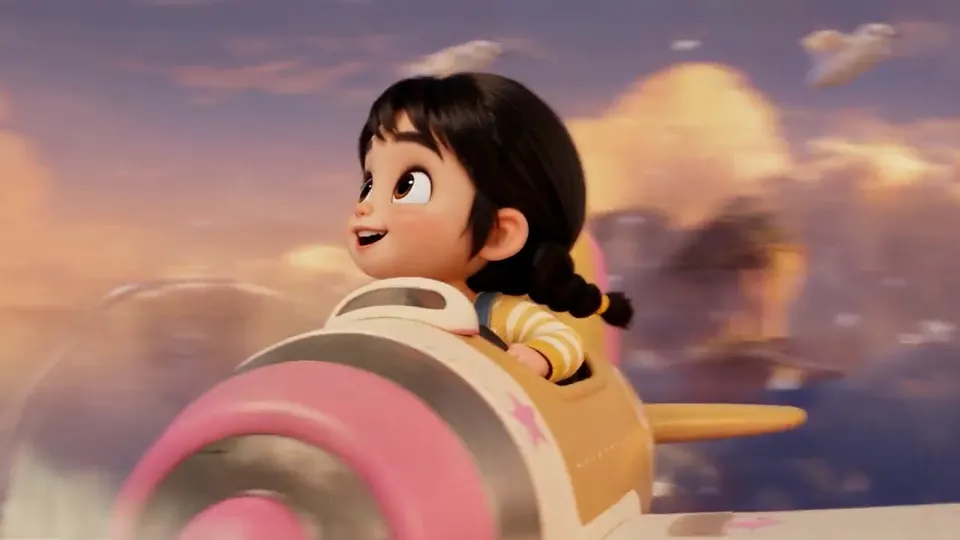 Official example · ByteDance Seed
03
A rough grey-model animation fixes camera path, pacing and positions, while a separate image sets materials, color and mood.
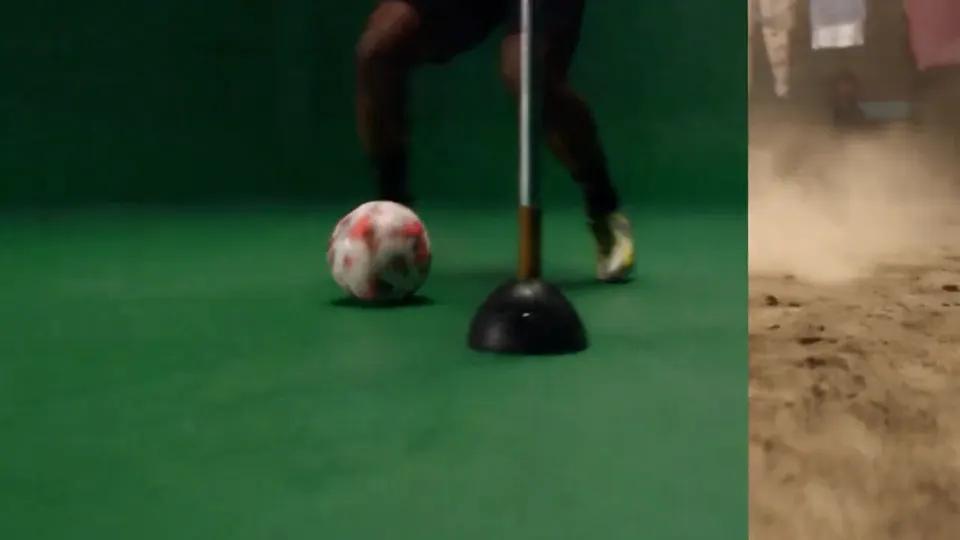 Official example · ByteDance Seed
04
Green-screen replacement, camera-move changes and edits tied to timestamps let you change one part of a clip and keep the rest.
Seedance 2.5
Where Seedance 2.5 is the right call, and where a different model does the job better.
Maximum duration
Seedance 2.5: up to 30 seconds · Seedance 2.0: 4–15 seconds
Maximum resolution
Seedance 2.5: 1080P · Seedance 2.0: up to 4K for shorter clips
Reference capacity
Seedance 2.5: 30 images, 10 videos, 10 audio · Seedance 2.0: 9 images, 3 videos, 3 audio
Upload images for characters, places and props, clips for camera or motion, and audio for rhythm or voice.
Split the prompt into time ranges such as 0–5s, 5–12s and 12–30s, and say what happens and where the camera goes in each.
Pick 4–30 seconds, a resolution up to 1080P and an aspect ratio, then generate. The video appears in Studio when it is ready.
Compare output length, resolution, references, aspect ratios, and audio support before choosing a model for your next video.
| Capability | Seedance 2.0 | Seedance 2 Mini | Seedance 2.5Current model |
|---|---|---|---|
| Best for | High-resolution production | Fast, economical iteration | Longer, coherent storytelling |
| Output duration | 4–15 seconds | 4–15 seconds | 4–30 seconds |
| Output resolution | 480P / 720P / 1080P / 4K | 480P / 720P | 480P / 720P / 1080P |
| Input and references | Text + image / video / audio references | Text + image / video / audio references | Text + image / video / audio references |
| Reference capacity | 9 images · 3 videos · 3 audio files | 9 images · 3 videos · 3 audio files | 30 images · 10 videos · 10 audio files |
| Aspect ratios | 21:9 · 16:9 · 4:3 · 1:1 · 3:4 · 9:16 | 21:9 · 16:9 · 4:3 · 1:1 · 3:4 · 9:16 | 21:9 · 16:9 · 4:3 · 1:1 · 3:4 · 9:16 |
| Native synchronized audio | Supported | Supported | Supported |
Set up the brief now, then continue in the shared Studio workspace.